01
Recorded routes
Capture movement over time so teams can review where work happened and how a route unfolded.
TRIP RECORDING
Cielos.ai records trips so teams can review movement history, preserve field context, and share selected routes when needed.
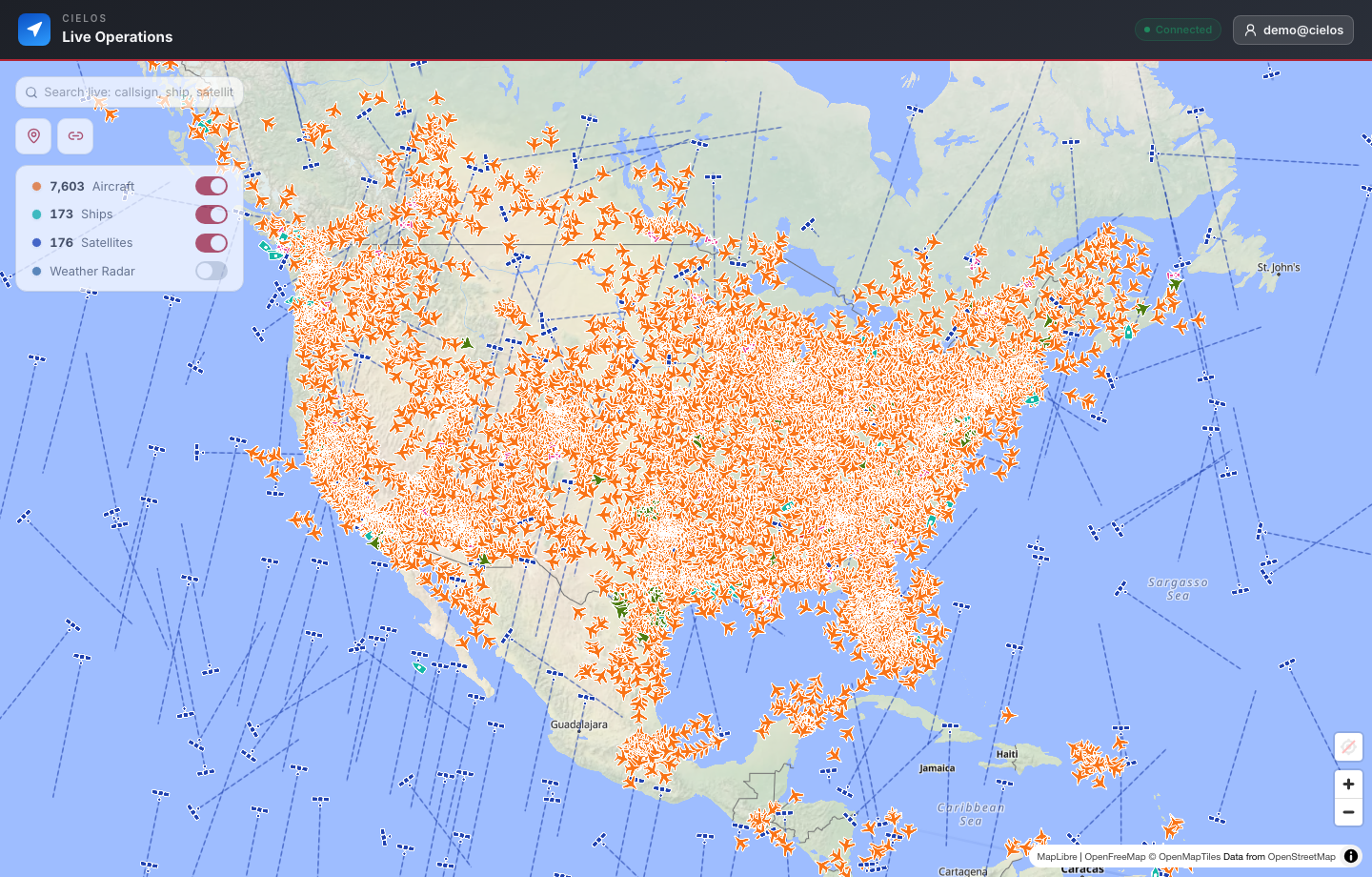
CAPABILITIES
Capture field movement as it happens, preserve the route and its map context, and return to it when the work is complete.
Capture movement over time so teams can review where work happened and how a route unfolded.
Keep trip metadata and route details available for authenticated users after live work is done.
Generate public links for selected trips when a narrow route view is enough.
USE CASES
Trips become more valuable when route history, map markers, and live operational context stay connected.

Also on iOS
Tap record, drive the route, and it's kept — path on the map plus distance, duration, speed, and elevation, ready to share or export as GPX.
Coming soonon the App StoreQuestions, answered
Trip recording software for route history, field movement review, map context, and controlled trip sharing.
No. Live workspace data, searches, team activity, markers, dashboards, and saved operational records require authentication.
Capture field movement as it happens, preserve the route and its map context, and return to it when the work is complete. Key capabilities include Trip recording, Route review, Trip metadata, Read-only share links, Map context.
Yes. Authenticated users can create controlled, read-only links for a selected live location or recorded trip without exposing the rest of the private workspace.
One operating picture
Record movement, review trip history, and share a selected read-only route without opening the rest of the workspace.