01
Team-scoped visibility
Show people and markers to the right team while keeping unrelated users and public visitors out.
TEAM LOCATION SHARING
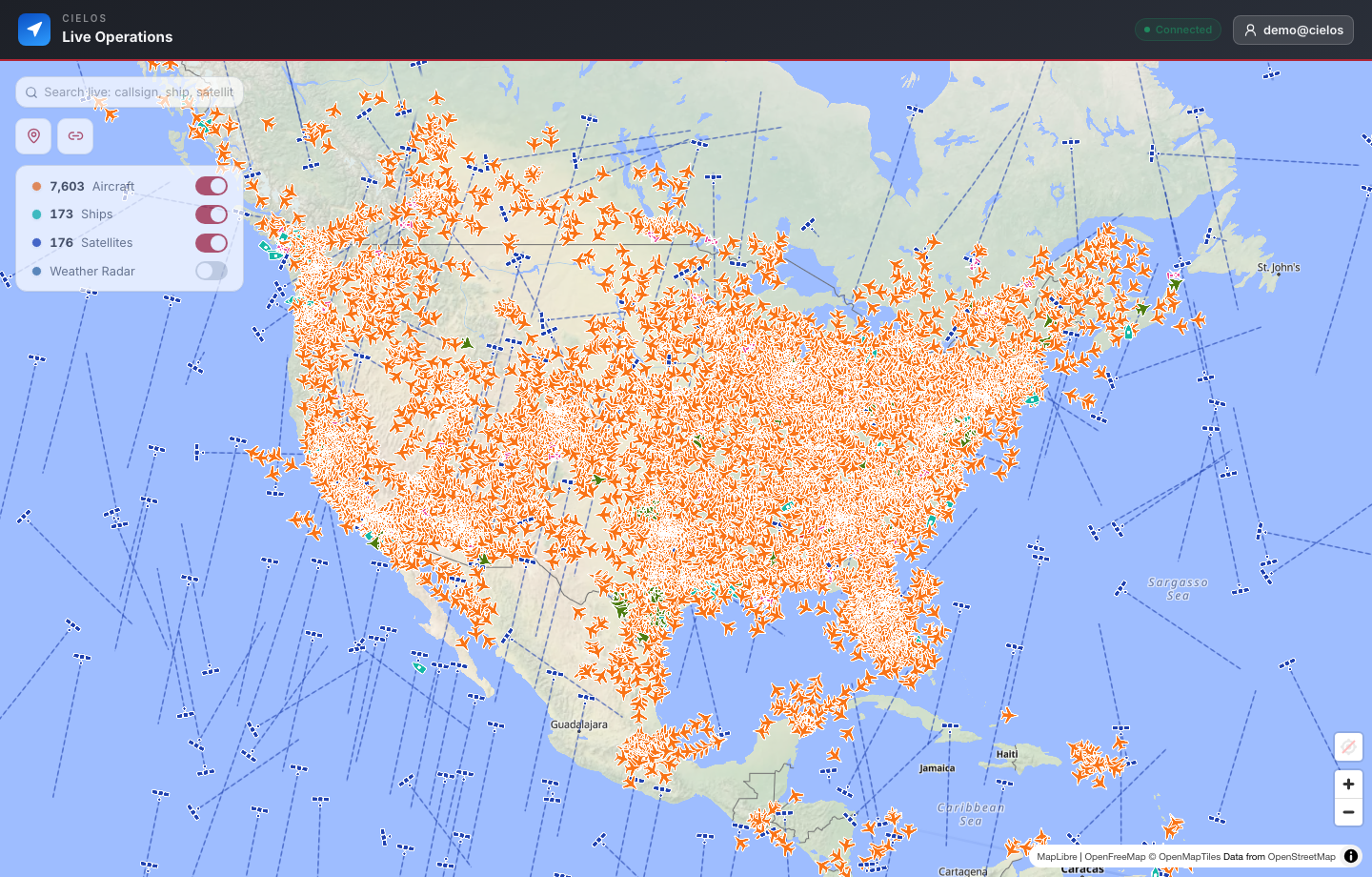
Cielos.ai lets authenticated teams coordinate around shared movement, map markers, live context, and controlled public links.
CAPABILITIES
Coordinate live movement and shared markers with clear boundaries around who can see each location and observation.
Show people and markers to the right team while keeping unrelated users and public visitors out.
Drop private or team-visible points on the map so decisions stay attached to geography.
Create public share links for a live location or trip when someone outside the team needs a narrow view.
USE CASES
Location sharing is useful when it is connected to map context, live traffic, and the operational record.

Also on iOS
Create a team on your phone, hand out the invite code, and watch everyone appear on the same live map — iOS and web together.
Coming soonon the App StoreQuestions, answered
Private team location sharing software for operational maps, team markers, live sharing, and trip workflows.
No. Live workspace data, searches, team activity, markers, dashboards, and saved operational records require authentication.
Coordinate live movement and shared markers with clear boundaries around who can see each location and observation. Key capabilities include Team location sharing, Private markers, Team-visible markers, Live public share links, Trip sharing.
Yes. Authenticated users can create controlled, read-only links for a selected live location or recorded trip without exposing the rest of the private workspace.
One operating picture
Give teammates the live context they need, then create a focused external link only when someone outside the team needs visibility.